Secugen Hampster Pro 20: Biometric Buying Guide for 2026
Identity verification mistakes are expensive, whether it is a time-and-attendance system letting the same employee clock in twice, or a bank branch spending an extra minute per customer on manual ID checks. The Secugen Hampster Pro 20 fingerprint scanner has become one of the most widely adopted solutions for businesses across Saudi Arabia and Pakistan that need fast, accurate biometric verification without a steep learning curve. This guide explains what the device does well, where it fits into a broader retail technology plan, and how to budget for a rollout in 2026.
Biometric hardware decisions often get rushed because IT teams treat them as a minor line item compared to bigger projects like point-of-sale upgrades. That is a mistake. A poorly chosen scanner creates daily friction for staff and customers alike, while the right device disappears into the background of a smooth transaction.
What Is the Secugen Hampster Pro 20 and Who Uses It
The device is a compact USB fingerprint scanner designed for fast enrollment and verification, commonly deployed at retail counters, HR time-and-attendance terminals, bank branches, and government service windows. Its popularity across Pakistan and Saudi Arabia comes down to a combination of accuracy, affordability, and broad software compatibility.
Common deployment scenarios
- Employee time and attendance — eliminating buddy-punching and manual sign-in sheets at retail and office locations.
- Point-of-sale identity checks — verifying loyalty program members or staff authorization for discounts and returns.
- Government and banking service points — confirming citizen or customer identity before processing a transaction.
- Access control — paired with door systems to restrict entry to authorized staff only.
Key Features That Matter for a 2026 Purchase Decision
Not every fingerprint scanner on the market performs equally, and the differences matter once a device is deployed at scale across many counters or branches.
| Feature | Why It Matters |
|---|---|
| Scan speed | A slow scanner creates a bottleneck at busy counters during peak hours |
| Accuracy / false rejection rate | High false rejections frustrate staff and slow down every single transaction |
| SDK and software compatibility | Must integrate cleanly with existing HR, POS, or access control software |
| Build durability | Counter-mounted devices get heavy daily use and need to survive years of handling |
| Driver support | Ongoing vendor updates prevent compatibility issues with newer operating systems |
Businesses evaluating their options for 2026 typically compare specs and current Secugen Hampster Pro 20 pricing directly against competing scanners before committing to a bulk order, since unit price differences add up quickly across dozens or hundreds of terminals.
Pairing Biometric Verification With Drive-Thru Operations
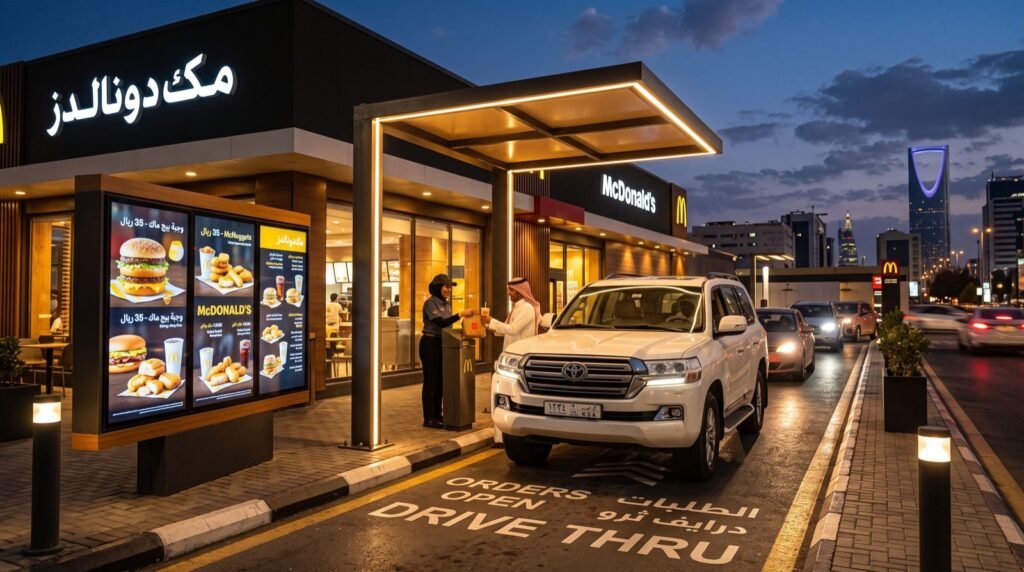
An underused idea among Saudi quick-service and retail chains is combining biometric staff verification with drive-thru lane operations. Shift start and end times, break tracking, and even staff authorization for discount overrides can all run through a fingerprint check at the drive-thru staff terminal rather than a separate paper log that is easy to falsify or lose.
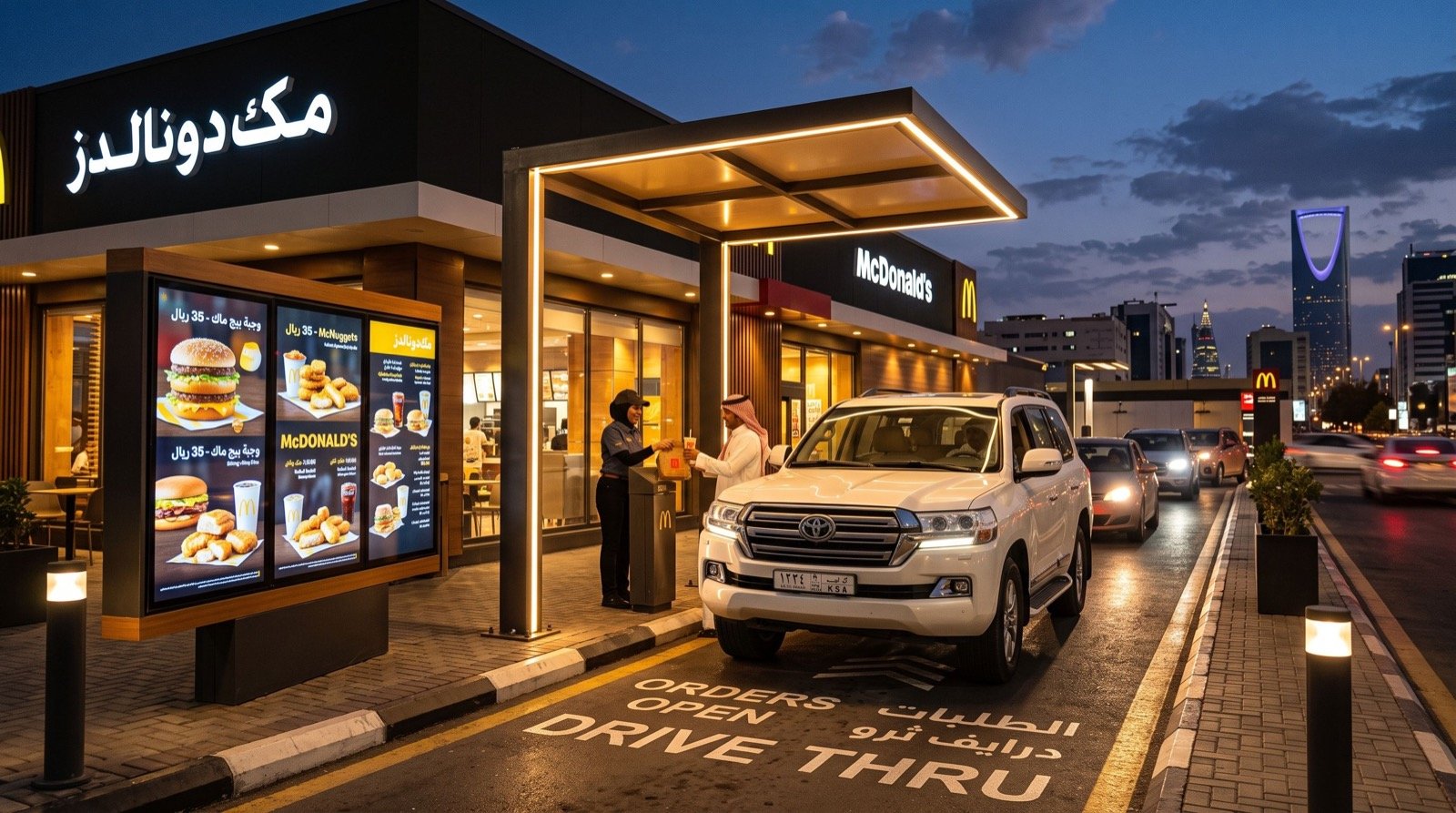
Chains already investing in modern lane technology through an HME Drive Thru in Riyadh deployment often find it efficient to bundle biometric staff verification into the same installation project, since the electrical and network cabling work is already being done for the drive-thru headset and menu board systems.
Why bundle these two technologies?
Running a single installation project for both drive-thru hardware and biometric terminals reduces total labor cost and means one vendor relationship instead of two, which simplifies support calls when something needs attention.
Step-by-Step: Rolling Out Biometric Scanners Across Multiple Branches
A multi-branch rollout needs a methodical approach to avoid inconsistent configurations between locations.
- Standardize the software stack first. Every branch should run the same HR or POS integration version to simplify support.
- Pilot at one branch for two to four weeks. Catch configuration issues before they multiply across ten locations.
- Enroll staff fingerprints centrally where possible. This avoids duplicate enrollment errors across branches.
- Train branch managers on troubleshooting basics. Most common issues, like a dirty scanner surface, can be resolved without an IT ticket.
- Review enrollment and verification logs monthly. Catch unusual patterns, such as repeated failed verification attempts, early.
Budget Planning for Pakistan and Saudi Arabia Deployments
Cost per unit drops meaningfully with bulk ordering, which matters for any business planning a rollout across more than a handful of locations. Smaller independent retailers or single HR departments should budget for per-unit retail pricing, while chains with ten or more branches should negotiate volume pricing directly with an authorized supplier.
Cross-border sourcing between Pakistan and Saudi Arabia is common since many retail groups operate in both markets, and comparing supplier pricing across both countries before committing to a large order frequently uncovers meaningful savings.
One practical tip from real deployments
A detail many IT managers miss during installation: mount the scanner at a slight upward angle rather than flat on the counter. This small adjustment reduces the number of failed scans caused by staff pressing their finger at an awkward angle, which over hundreds of daily transactions saves real time across a shift.
Security and Data Privacy Considerations
Biometric data is sensitive, and businesses deploying fingerprint scanners need a clear policy on how that data is stored, encrypted, and eventually deleted if an employee leaves. The U.S. National Institute of Standards and Technology publishes widely referenced guidance on biometric data security practices, available at nist.gov, which is a useful baseline reference even for businesses outside the United States building their own internal data handling policy.
For ongoing hardware support and integration work, partnering with trusted professionals keeps your biometric rollout aligned with the rest of your retail or office technology plan, rather than treated as an isolated purchase that nobody owns long-term.
Frequently Asked Questions
How accurate is the Secugen Hampster Pro 20 for daily business use?
The device performs reliably for standard business verification tasks like time-and-attendance and POS identity checks, with low false rejection rates under normal usage conditions when properly maintained and the scan surface is kept clean.
Can this scanner integrate with existing HR or POS software?
Yes, broad SDK support means most standard HR, payroll, and point-of-sale platforms can integrate the scanner without custom development work, though it is worth confirming compatibility with your specific software vendor beforehand.
Is biometric data stored on the device or in the cloud?
This depends on the software platform connected to the scanner rather than the hardware itself. Businesses should confirm with their software vendor exactly where and how fingerprint templates are stored and secured.
What is the typical lifespan of a counter-mounted fingerprint scanner?
With normal daily use and basic maintenance like regular cleaning, these devices commonly last several years before replacement becomes necessary, making the upfront cost easy to justify against the operational time saved.
Final Thoughts
Biometric verification has moved from a novelty to a practical necessity for businesses across Saudi Arabia and Pakistan that handle daily identity checks at scale. The Secugen Hampster Pro 20 remains a solid, widely supported choice for 2026 deployments, particularly when bundled thoughtfully with other technology upgrades like drive-thru systems. Start with a single-branch pilot, measure the time savings honestly, and scale the rollout once you have real data in hand.